11.11 Campaign Crazy offers on all products upto 33%, Limited Time Offer t&c Apply


How to Choose the Right TV in Nepal: 2026 Buying Guide

Last updated:
Buying a TV in 2026 is not just about choosing between a 43-inch or 55-inch screen. You also need to consider resolution, display technology, refresh rate, smart TV platform, HDR, sound, connectivity, and your budget. With so many options available in Nepal, it can be hard to know which features are actually worth paying for.
Quick answer:
For most homes, a 4K Smart TV is the best starting point in 2026. A 43-inch TV is a practical choice for smaller living rooms and bedrooms, while a 55-inch or larger TV can provide a more immersive experience when you have enough viewing distance. If picture quality is your priority, consider QLED or OLED depending on your budget and viewing needs.
The best TV for you ultimately depends on your room, viewing distance, budget, and what you watch most often.
What Should You Consider Before Buying a TV?
Buying a TV is not just about choosing the biggest screen. Your room, viewing distance, budget, and how you use the TV all matter. Before buying a TV in Nepal, consider these key factors:
- TV size and viewing distance
- Resolution
- Display technology
- Refresh rate
- Smart TV operating system
- HDR and picture quality
- Ports and sound
- Warranty and after-sales service
You do not need the most expensive TV. Choose one that gives you the features you actually need.
1. Choose the Right TV Size for Your Room
A bigger TV is not always better. Your seating distance and room size should help you decide which screen size is right for you.
Which TV Size Should You Buy?
| TV Size | Best For |
|---|---|
| 32-inch | Small bedrooms and small spaces |
| 43-inch | Bedrooms and small living rooms |
| 50-inch | Medium-sized living rooms |
| 55-inch | Larger living rooms, movies, and sports |
| 65-inch | Large living rooms and home theatres |
| 75-inch+ | Large rooms and home theatre setups |
Tip: Do not choose a TV just because a certain size is popular. Make sure it fits your room and viewing distance.
43-Inch vs 55-Inch TV: Which Is Better?
A 43-inch TV is best choice for smaller rooms or shorter viewing distances. A 55-inch TV offers a larger, more immersive viewing experience and is better suited to movies, sports, and gaming when you have enough space.
2. Choose the Right TV Resolution
Resolution determines how much detail you can see on the screen. The main options are HD Ready, Full HD, and 4K Ultra HD.
- HD Ready: HD Ready TVs are suitable for smaller screens and basic viewing, such as regular TV channels and bedroom use.
- Full HD: Full HD provides more detail than HD Ready and can work well on smaller TVs. However, if you are buying a new medium or large TV, 4K is usually worth considering.
- 4K Ultra HD:4K has about four times as many pixels as Full HD, giving you a sharper and more detailed picture.
It is a good choice for:
- Movies and streaming
- YouTube
- Sports
- Gaming
- Large TV screens
For most people buying a new 43-inch or larger TV, 4K is a good choice if it fits the budget.
3. Choose the Right Display Technology
The display type also affects picture quality, brightness, and contrast.
- LED TV: LED TVs are affordable and suitable for everyday viewing. They are a practical choice for most buyers.
- QLED TV: QLED TVs can offer brighter colors and better picture quality than standard LED TVs. They are a good option for movies, sports, and streaming.
- OLED TV: OLED TVs offer excellent contrast and deep blacks. They are ideal for people who want premium picture quality but usually cost more.
For most buyers in Nepal, LED and QLED TVs are enough for everyday use. OLED is worth considering if picture quality is your top priority.
4. Check the TV Refresh Rate
Refresh rate is measured in Hz and tells you how often the screen refreshes each second. A higher refresh rate can make fast-moving content look smoother, which is useful for sports and gaming. Do not rely only on a large number advertised by the seller. Check the TV’s actual native refresh rate.
5. Check the Smart TV Operating System
For most people today, a TV is more than a screen for watching regular channels. It is also used for Netflix, YouTube, movies, sports, music, and other streaming apps. A Smart TV connects to your home Wi-Fi and lets you access these services directly without needing a separate streaming device.
Before buying, check whether the TV has the apps you use, whether the interface is easy to use, and how smoothly the TV runs. Also consider software updates and features such as voice control. Popular Smart TV platforms include Google TV, Android TV, Samsung Tizen, and LG webOS.
Tip: If you mainly use streaming apps, choose a Smart TV with a fast and easy-to-use interface rather than focusing only on screen size or picture quality.
6. Check HDR and Picture Quality
HDR (High Dynamic Range) can improve brightness, contrast, and colors when watching compatible content. However, HDR support alone does not guarantee excellent picture quality. Panel quality, brightness, and contrast also matter.
7. Check Ports and Sound
Make sure the TV has the connections you need, such as:
- HDMI
- USB
- Wi-Fi
- Bluetooth
- Ethernet/LAN
Also check the built-in speakers. If you want better sound for movies or sports, you may need a soundbar later.
8. Check Warranty and After-Sales Service
When buying a TV in Nepal, do not look at price and specifications alone. Check the warranty, service center, spare parts, installation, and after-sales support. A slightly more expensive TV can be a better deal if the brand provides reliable support when something goes wrong.
The display technology you choose affects the TV’s brightness, colors, contrast, viewing angles, and price. LED, QLED, OLED, and Mini-LED each have different strengths, so the best choice depends on how you watch TV and how much you want to spend.
Find the Right TV in Nepal
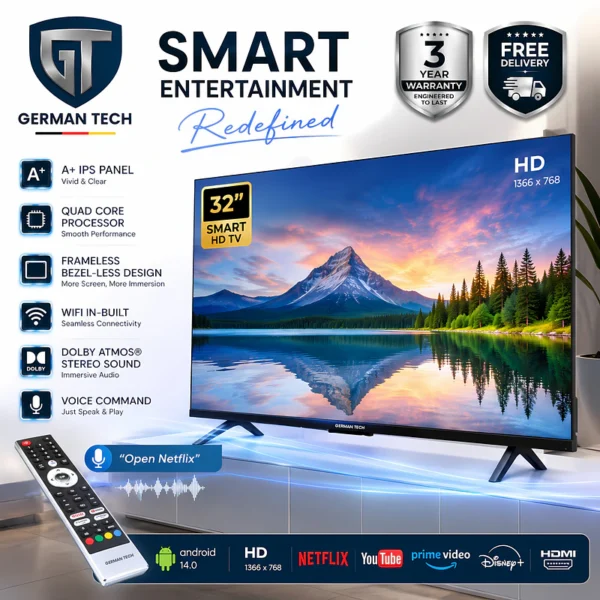
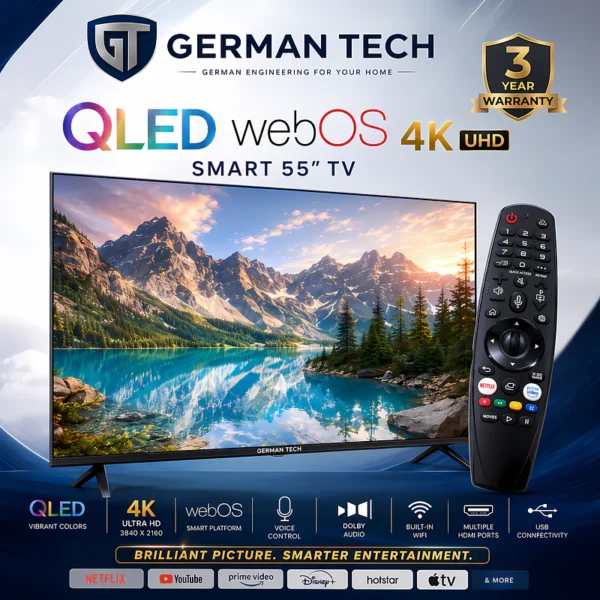
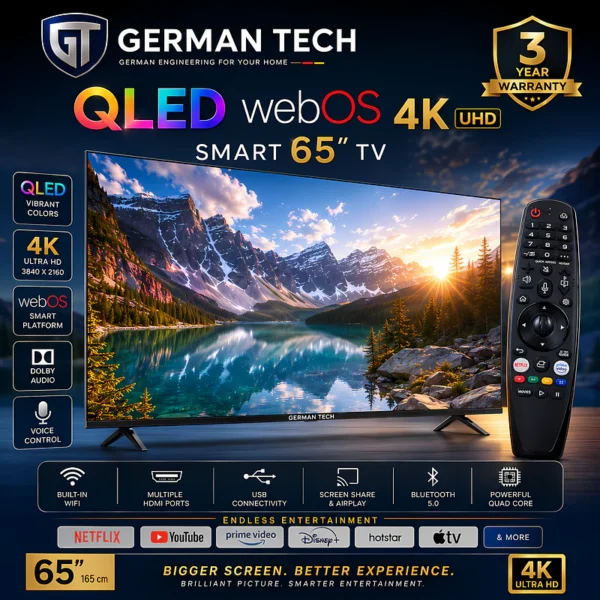
Looking for a TV that fits your budget, room, and viewing needs? Explore Nova Hub’s range of TVs and find the right one for your home.
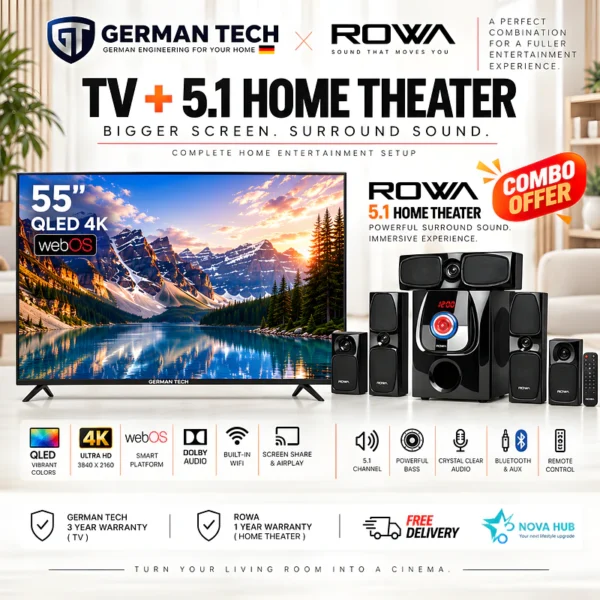
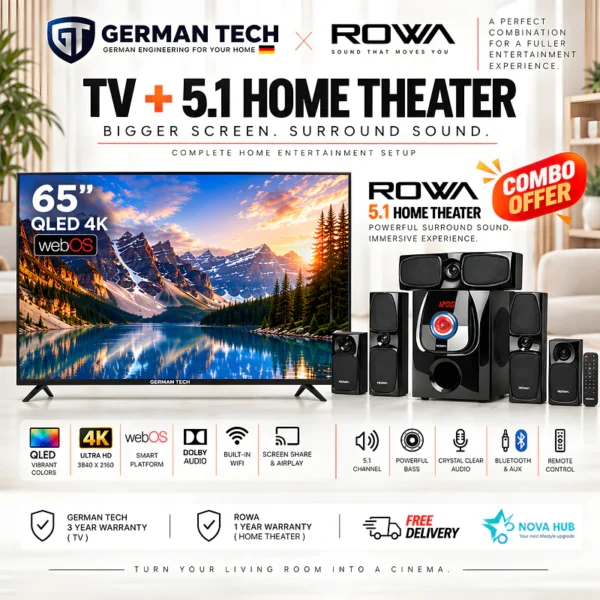
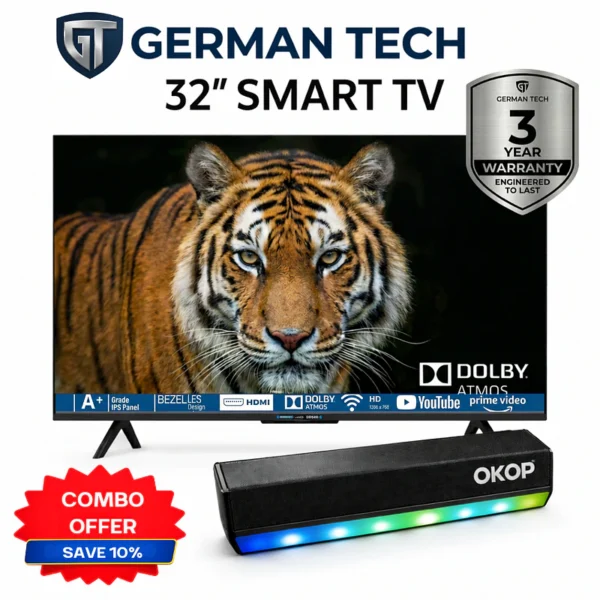
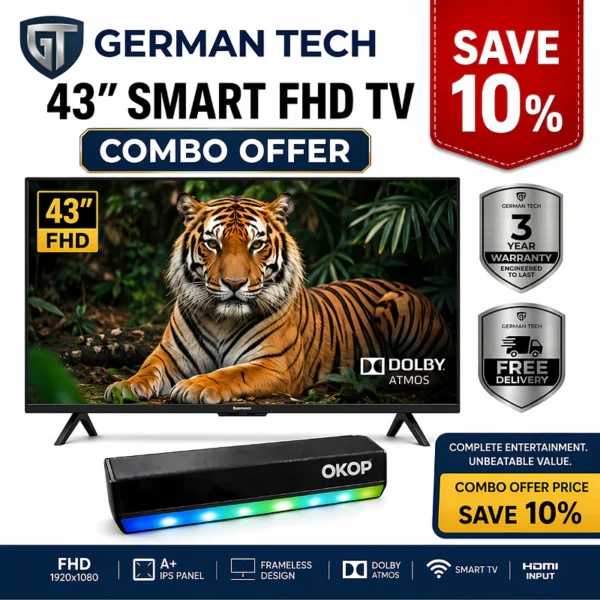
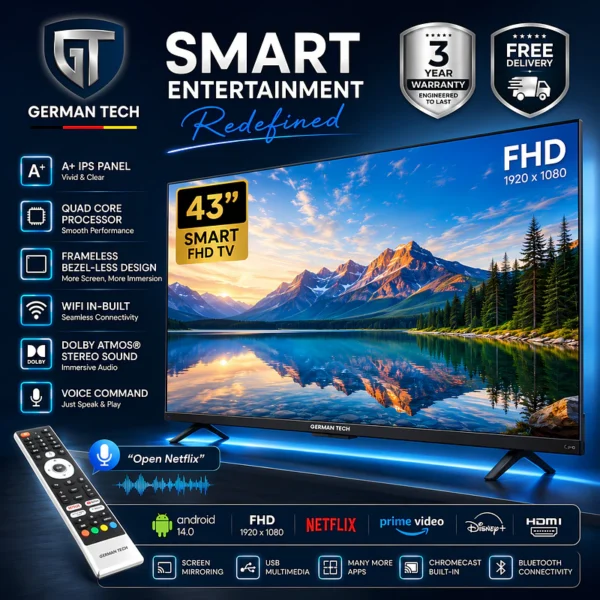
NPR 31,990 NPR 38,649 Save 17%
In stock
✓ Free delivery all over Nepal✓ Cash on Delivery✓ Checked before dispatch✓ Official brand warranty
LED vs QLED vs OLED: Which Display Is Better?
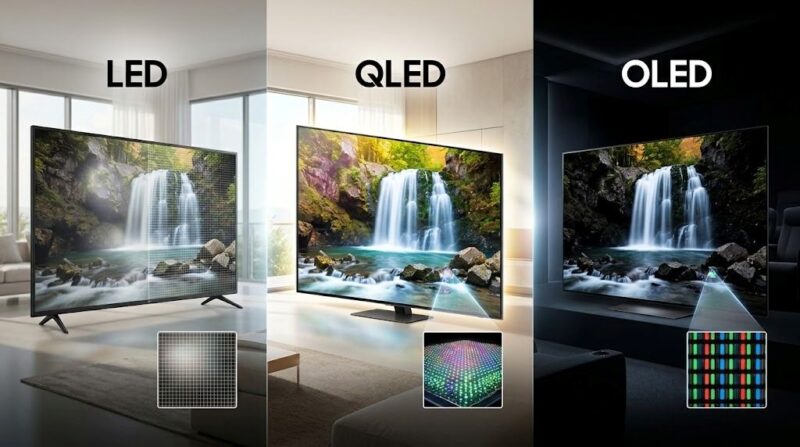
The display technology you choose affects the TV’s brightness, colors, contrast, viewing angles, and price. LED, QLED, OLED, and Mini-LED each have different strengths, so the best choice depends on how you watch TV and how much you want to spend.
LED TV
LED TVs are the most common and affordable option for everyday viewing. They are a good choice if you mainly watch:
- Regular TV channels
- YouTube
- Movies and shows
- Sports
- General streaming content
If you want a reliable TV without spending extra on premium display technology, a good LED TV can be enough for most homes.
QLED TV
QLED TVs use Quantum Dot technology to produce brighter images and stronger colors than many standard LED TVs. QLED can be a good choice if you:
- Watch a lot of movies and sports
- Have a bright room
- Want brighter and more vivid colours
- Want better picture quality without paying OLED prices
If you are unsure whether QLED is worth the extra cost, read our detailed QLED vs. LED TV guide to understand the differences.
OLED TV
OLED TVs use self-lit pixels, which means each pixel can turn on and off independently. This allows OLED TVs to produce very deep blacks and excellent contrast. OLED is a good choice if you:
- Want premium picture quality
- Watch a lot of movies and shows
- Care about deep blacks and contrast
- Watch TV from different seating positions
The main drawback is price. OLED TVs are generally more expensive than standard LED and many QLED models.
What About Mini-LED TVs?
Mini-LED is a newer backlighting technology that uses many smaller LEDs to control brightness more precisely. Depending on the model, Mini-LED TVs can offer:
- High brightness
- Better contrast than standard LED TVs
- Strong HDR performance
- Good picture quality in bright rooms
Mini-LED can be a good middle ground for people who want premium picture quality and high brightness without choosing OLED.
Which Display Technology Should You Choose?
| Display | Best For |
| LED | Everyday viewing and value |
| QLED | Bright rooms, sports, and vivid colors |
| OLED | Premium movies, deep blacks, and contrast |
| Mini-LED | High brightness and premium LED-based picture quality |
There is no single display technology that is best for everyone. When buying a TV, compare the actual brightness, contrast, picture processing, refresh rate, features, warranty, and price rather than choosing a TV based only on the display name.
What Refresh Rate Should You Choose for Your TV?
When buying a TV, you will usually see 60Hz and 120Hz refresh rates. Refresh rate tells you how many times the screen refreshes the image every second. It is different from 4K resolution. 4K affects picture detail, while refresh rate affects how smooth movement looks.
Is 60Hz Enough for Most People?
Yes, a 4K 60Hz TV is enough for most everyday viewers. It works well for:
- Regular TV channels
- YouTube
- Netflix and other streaming apps
- Movies and TV shows
- General entertainment
If you mainly watch normal TV and streaming content, there is usually no need to spend extra just to get 120Hz.
Should You Buy a 120Hz TV?
A 4K 120Hz TV is worth considering if you watch a lot of sports or play games. The higher refresh rate can make fast-moving scenes look smoother. Choose 120Hz if you regularly watch:
- Cricket and football
- Fast-action movies
- Sports
- PlayStation or Xbox games
For gaming, also check for features such as HDMI 2.1, VRR, and low input lag.
Our simple recommendation: For normal TV viewing and streaming, choose a 4K 60Hz TV. If you watch lots of sports or game regularly, a 4K 120Hz TV is the better choice.
What Is HDR and What Should You Know Before Buying a TV?
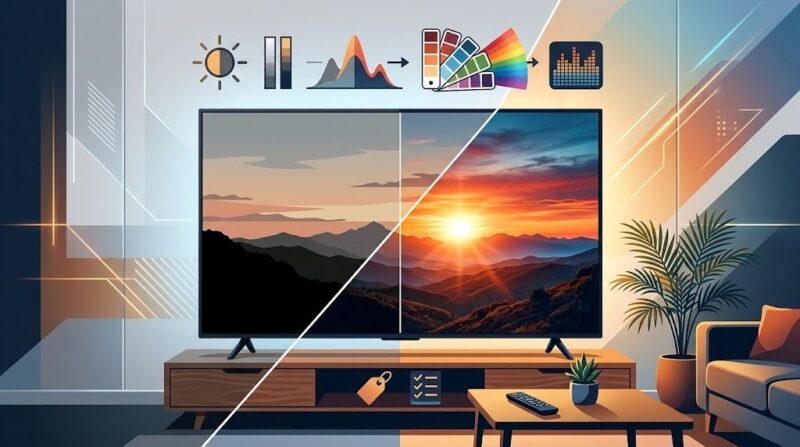
HDR (High Dynamic Range) is a picture technology that can make bright areas look brighter, dark areas look deeper, and colors look more realistic when both the TV and content support HDR. You may see HDR support listed as HDR10, Dolby Vision, or HLG when comparing TVs.
Do You Need HDR on Your TV?
If you regularly watch Netflix, YouTube, movies, or other streaming content, HDR can improve picture quality when available. However, don’t choose a TV just because it says “HDR supported.” Two TVs can both support HDR but produce very different results.
Before buying, also look at:
- Brightness: brighter TVs can show HDR highlights better
- Contrast: affects how deep the dark areas look
- Display technology: OLED, QLED, LED, and Mini-LED can perform differently
- Local dimming: can improve contrast on supported LED and Mini-LED TVs
- HDR format support: check which HDR formats the TV supports
Simple recommendation: HDR is worth having on a new TV, especially if you watch a lot of movies and streaming content. But focus on the TV’s overall picture quality, not just the HDR label.
Smart TV vs Normal TV: Which Should You Buy?
For most people buying a new TV today, a Smart TV is the better choice. Smart TVs connect to the internet and let you watch YouTube, Netflix, movies, sports, and other streaming services without needing a separate device.
A normal TV mainly serves as a display for a cable box, a set-top box, a gaming console, USB devices, or an external streaming device.
| Feature | Smart TV | Normal TV |
| Wi-Fi | Yes | Usually no |
| Streaming apps | Built-in | No |
| YouTube & Netflix | Yes | Usually needs a separate device |
| Internet access | Yes | No |
| App support | Yes | No |
| Software updates | Yes | Usually no |
| Voice control | Available on many models | Usually no |
| Separate streaming device | Usually not needed | Often needed |
| Best for | Streaming and everyday entertainment | Basic TV viewing |
Should You Buy a Smart TV or Normal TV?
For most buyers, choose a Smart TV. The price difference is often worth it because you can connect to the internet and access streaming services directly from the TV. A normal TV can still make sense if you only need a basic screen for cable, a set-top box, or another external device.
Simple recommendation: If you are buying a new TV in Nepal for everyday entertainment, a 4K Smart TV is usually the more practical and future-ready choice.
WebOS vs Android TV: Which Is Better?
The operating system affects how easy your TV is to use, which apps you can access, and how smoothly the TV runs.
What Is WebOS?
WebOS is the Smart TV operating system mainly used by LG TVs. It has a simple interface that makes it easy to switch between apps, TV channels, and settings.
WebOS is a good choice if you want:
- A simple and easy-to-use interface
- Popular streaming apps like Netflix and YouTube
- Smooth everyday use
- Voice control on supported models
What Is Android TV?
Android TV is a Smart TV operating system developed by Google. It is used by many TV brands and gives you access to the Google Play Store and a wide range of apps.
Android TV is a good choice if you want:
- A large selection of apps
- Google Play Store access
- Google Assistant and voice search
- Chromecast built-in on supported TVs
- Integration with other Google devices
WebOS vs Android TV: Which One Should You Choose?
Both are good Smart TV platforms, so the better choice depends on what you prefer.
| Feature | WebOS | Android TV |
| Ease of use | Very simple | Easy to use |
| Apps | Popular apps available | Large app selection |
| App Store | LG Content Store | Google Play Store |
| Voice control | Available on supported models | Google Assistant |
| Chromecast | Not built-in | Available on supported models |
| Best for | Simple and smooth use | More apps and Google features |
Simple recommendation: Choose WebOS if you want a clean and simple Smart TV experience. Choose Android TV if you want more apps, Google features, and Chromecast support.
For most users, both are good choices. The TV’s picture quality, processor, display technology, and overall features are also important when making your final decision.
Why Should You Check TV Connectivity Before Buying?
Before buying a TV, check the ports and connections you may need. This is important if you plan to connect a set-top box, gaming console, soundbar, or streaming device.
- HDMI: HDMI is used to connect most external devices to your TV. If you have several devices, choose a TV with more HDMI ports.
- HDMI ARC/eARC: ARC and eARC let you connect a soundbar or home theatre system to your TV via HDMI. If you plan to use a soundbar, this feature is useful.
- USB: USB ports let you connect compatible storage devices and play supported photos, videos, or music.
- Bluetooth: Bluetooth lets you connect compatible wireless headphones, speakers, and other devices.
- Wi-Fi: Wi-Fi is important for Smart TVs. It lets you use apps such as YouTube, Netflix, and other streaming services.
Simple tip: Before buying, check that the TV has enough HDMI and USB ports and the wireless connections you need.
Do You Need to Buy a Soundbar With Your TV?
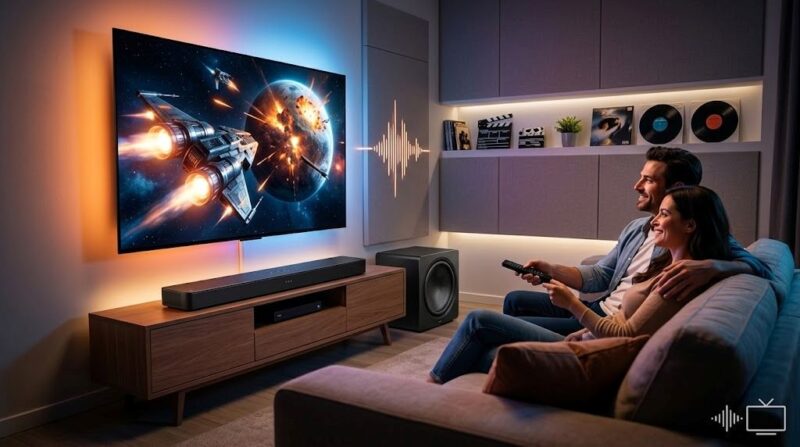
You don’t need to buy a soundbar with your TV. Most TVs have built-in speakers that are good enough for regular TV shows, news, YouTube, and casual watching. You may want a soundbar if you want clearer dialogue, stronger bass, better movie sound, or a more immersive experience.
Simple recommendation: Buy a soundbar only if you want better sound than your TV’s built-in speakers can provide. It is an optional upgrade, not something you need with every TV. If you want to improve your TV’s sound, you can explore soundbars available from Nova Hub.
Which TV Should You Buy in 2026?
The best TV in 2026 depends on how you plan to use it. You might want a TV mainly for Netflix and movies, gaming, sports, regular TV channels, or everyday family entertainment. Different types of TVs are better suited to different needs.
| How You Use Your TV | What to Look For | Best Choice |
| Movies & Netflix | 4K, HDR, good contrast, strong colors | QLED, Mini-LED, or OLED |
| Gaming | 4K, 120Hz, HDMI 2.1, VRR, low input lag | 4K 120Hz TV |
| Sports | Large screen, good motion, high brightness | 55-inch+ 4K TV |
| Regular TV & YouTube | 4K, Smart TV, easy-to-use interface | 4K Smart TV |
| Everyday Family Use | Good picture, smart features, reliable sound | 4K LED or QLED TV |
For Movies and Netflix
If you mainly watch Netflix, YouTube, and movies, focus on picture quality, contrast, HDR, and color. A QLED or Mini-LED TV can offer a bright and detailed picture, while OLED is a better choice if you want premium contrast and deep blacks.
For Gaming
Gamers should pay more attention to refresh rate and gaming features than just screen size. A 4K 120Hz TV with HDMI 2.1, VRR, ALLM, and low input lag is ideal for serious console gaming. For casual gaming, a good 4K 60Hz TV can be enough.
For Sports
If you mainly watch cricket or football, a larger 4K TV with good motion handling and brightness can make the experience more enjoyable. A 55-inch or larger screen is a popular choice when you have enough viewing distance.
For Regular TV and Everyday Use
If you mainly watch regular TV channels, YouTube, news, and family content, you do not need the most expensive display technology. A good 4K LED or QLED Smart TV can provide everything most households need without paying extra for features you may never use.
The simple rule: Don’t buy a TV based only on its size or price. Choose the screen, features, and technology that match how you actually watch TV.
How Much Should You Spend on a TV in Nepal?
There is no single right budget for buying a TV in Nepal. The amount you should spend depends on your screen size, viewing needs, display technology, and features.
Instead of choosing the cheapest TV or spending more just for extra features, think about what you actually need.
A Simple TV Budget Guide
| Budget Level | What You Can Expect | Best For |
| Lower Budget | LED Smart TV, basic 4K options, essential smart features | Regular TV, YouTube, and everyday use |
| Mid-Range | 4K, better picture processing, larger screens, QLED options | Movies, sports, streaming, and family use |
| Higher Budget | Premium QLED, Mini-LED, or OLED, higher refresh rates, advanced features | Gaming, home cinema, and premium picture quality |
What Should You Prioritize?
- On a lower budget: Choose a reliable LED Smart TV with the features you actually need rather than paying extra for premium technology.
- With a mid-range budget: Look for 4K resolution, better picture quality, larger screen sizes, and QLED if it fits your needs.
- With a higher budget: Consider QLED, Mini-LED, or OLED for better picture quality, contrast, brightness, and advanced gaming features.
What Should You Check Before Buying a TV in Nepal?
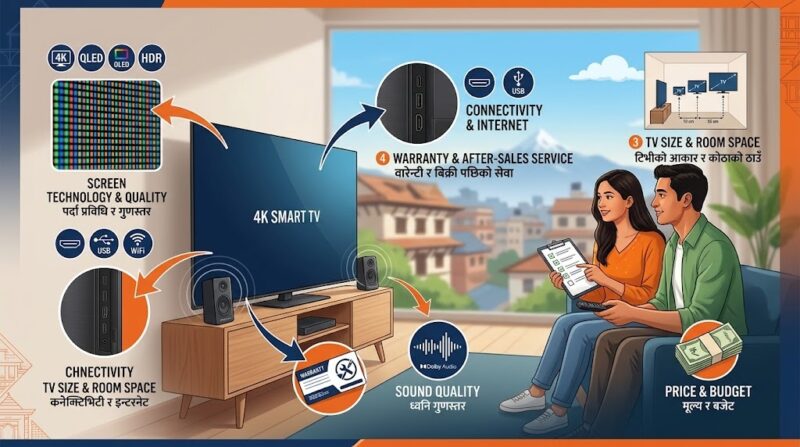
Buying a TV is not only about the screen. Before paying, check:
- Official warranty: Check what warranty is included and what parts it covers.
- After-sales service: A cheaper TV may not be a good deal if getting service or replacement parts becomes difficult.
- Exact model number: Two TVs from the same brand can have very different specifications.
- Always check the exact model number before comparing TVs.
- Screen size: Measure your room and viewing distance first.
- Ports: Make sure the TV has enough HDMI and USB ports for your devices.
- Operating system: Check which smart TV platform the TV uses and whether it supports the apps you actually use.
- Display specifications: Compare resolution, panel technology, refresh rate, HDR support, brightness, and contrast.
- Sound: Check the built-in speaker specifications if you do not plan to buy a soundbar.
- Installation: Check whether installation is included and whether professional installation is available.
- Return and replacement policy: Understand the seller’s policy before purchasing, particularly for expensive TVs.
Is a Smart TV More Expensive Compared to a Normal TV?
Smart TVs can cost more than basic TVs, but the price difference depends on factors such as screen size, brand, resolution, display technology, and other features. A normal TV may have a lower upfront cost because it lacks built-in internet connectivity and smart features.
However, if you later purchase a separate streaming device to access services such as YouTube or Netflix, the total cost can become closer to that of a Smart TV. For most buyers purchasing a new TV today, a Smart TV offers more flexibility.
Which TV Is Best for Your Home?
There is no single TV that is best for everyone. Your ideal TV depends on your room, budget, and viewing habits.
| If you | Consider |
| Have a small room | 32–43-inch TV |
| Have a medium living room | 43–55-inch TV |
| Have a large room | 65-inch or larger |
| Mostly watch YouTube and TV channels | 4K LED Smart TV |
| Watch lots of movies | 4K QLED, Mini-LED, or OLED |
| Watch lots of sports | Large 4K TV with good motion handling |
| Play games | 4K TV with low input lag and gaming features |
| Want better colors and brightness | QLED |
| Want premium contrast | OLED |
| Want a simple smart experience | WebOS |
| Want Google integration and broad app support | Android TV/Google TV |
Which TV Should You Buy in 2026?
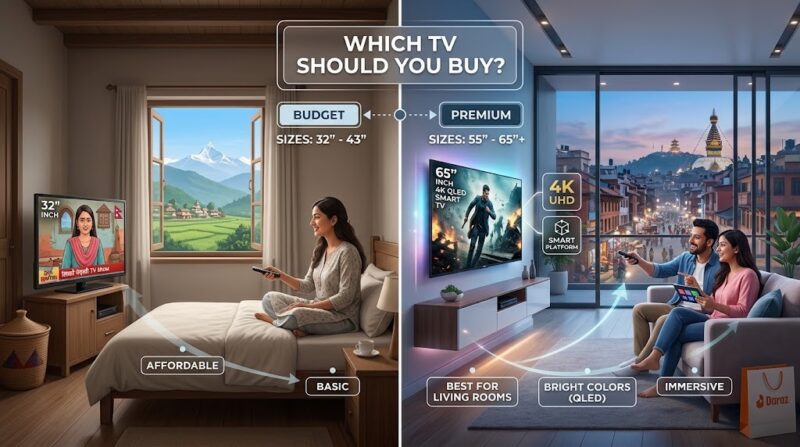
For most households, a 4K Smart TV is the best starting point. If you have a smaller room, consider a 32-inch or 43-inch TV. For a larger living room, a 50-inch or 55-inch 4K TV can provide a better viewing experience. If you want better picture quality, consider QLED, Mini-LED, or OLED, depending on your budget and priorities.
If you watch a lot of sports or play games, pay closer attention to refresh rate, motion handling, input lag, and HDMI features. And if you are buying a TV in Nepal, do not ignore warranty and after-sales service. A good TV is not just about specifications; it is also about how well it serves you after the purchase.
Find the Right TV at Nova Hub
Choosing a TV should not be about buying the model with the longest specification list. The right TV is the one that fits your room, viewing habits, budget, and long-term needs. Explore Nova Hub’s television collection to compare available TVs and find the right option for your home.
Frequently Asked Questions
Which TV is best for a home in Nepal?
For most households, a 4K Smart TV is a practical choice. The ideal screen size depends on your room and viewing distance, while the best display technology depends on your budget and picture-quality requirements.
Is 4K TV worth buying in 2026?
Yes, a 4K TV is a good choice for many new medium and large TVs because it provides more detail and works well with compatible movies, streaming content, sports, and gaming.
Which is better, LED or QLED TV?
QLED is generally a step up from standard LED TVs in areas such as color and brightness, although the difference depends on the specific models being compared. LED can still be the better choice when price and everyday viewing are the main priorities.
Is OLED better than QLED?
OLED can provide excellent black levels and contrast, while QLED and Mini-LED TVs can offer high brightness and strong color performance. The better choice depends on your room, viewing habits, and budget.
Is a 43-inch TV enough for a living room?
A 43-inch TV can work well in a small or medium living room, particularly when your seating distance is relatively close. If you sit farther away, a 50-inch or 55-inch TV may provide a more immersive viewing experience.
Do I need a separate streaming device with a Smart TV?
Usually not, because a Smart TV already has an operating system and supports streaming apps. A separate device can still be useful if you want a different platform or an app that your TV does not support.
What should I check before buying a TV in Nepal?
Check the exact model, screen size, resolution, display technology, refresh rate, HDR support, ports, operating system, warranty, installation, after-sales service, and return or replacement policy.
Frequently Asked Questions
Do you deliver all over Nepal?
Yes. Nova Hub delivers to every part of Nepal, and delivery is free on every order.
Can I pay Cash on Delivery?
Yes. Cash on Delivery is available everywhere in Nepal, so you pay when the product reaches you.
Is the product checked before it is sent?
Yes. Every order is checked by the Nova Hub team before it is dispatched.
Is there a warranty on the German Tech 43 Inch Smart TV?
Yes. Every product comes with the official brand warranty.